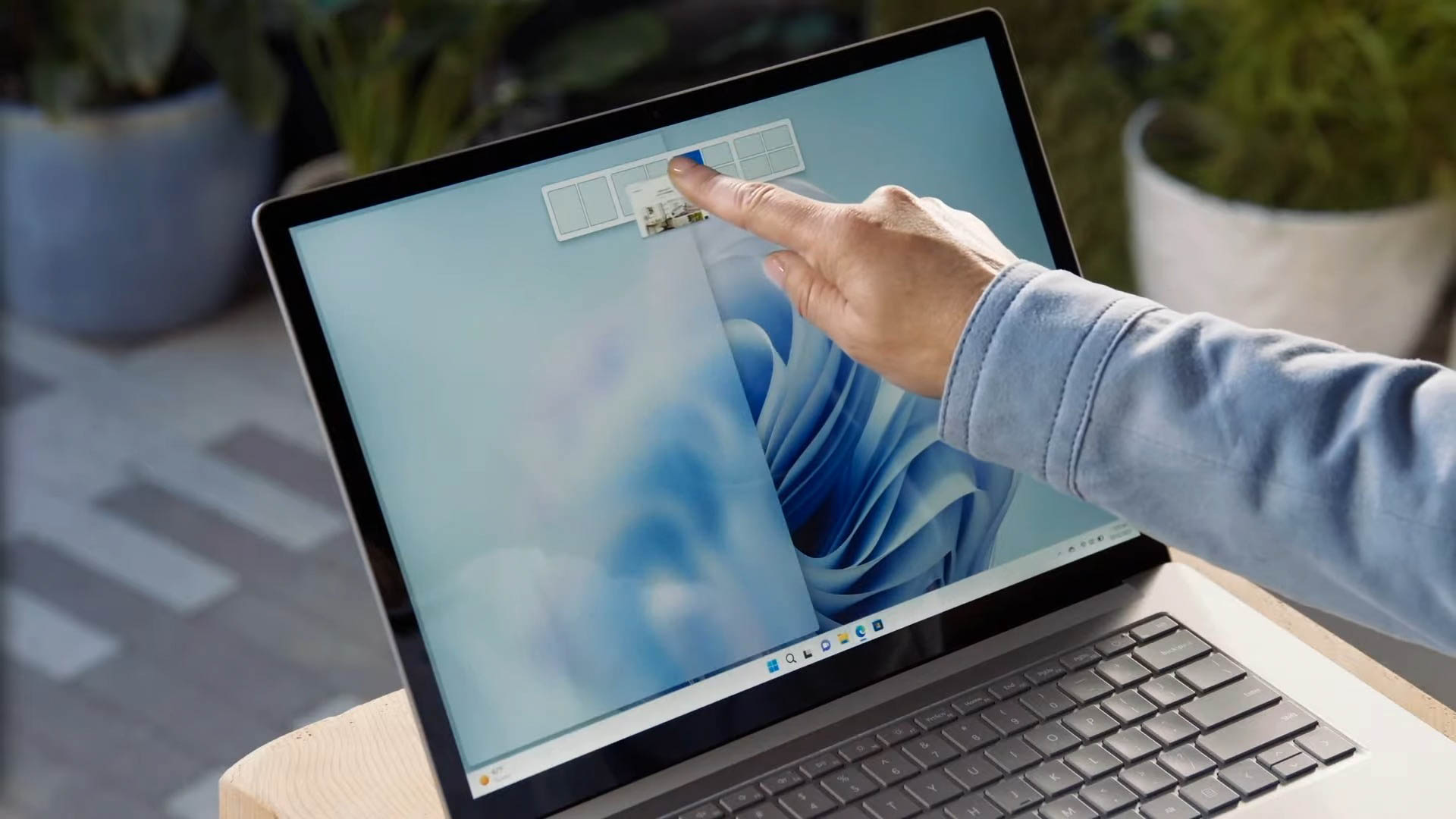
Managing multiple windows efficiently is a crucial skill for increasing productivity on any computer. Windows operating systems have robust features that allow users to split their screens and work with multiple applications simultaneously. This blog post will guide you through the various methods to achieve a split-screen setup on Windows, covering built-in features, shortcuts, and…
Random Access Memory (RAM) is a crucial component of any computer system, determining how efficiently your system can handle tasks and run applications. Over time, as more applications are installed and used, the RAM can become cluttered, leading to slow performance. Freeing up RAM can help improve the speed and efficiency of your system. In…
Windows 11, the latest operating system from Microsoft, comes in several editions to cater to different user needs. Among these editions, Windows 11 Home and Windows 11 Pro are the most popular. In this detailed guide, we will explore the differences between these two versions, helping you make an informed decision about which edition is…
Accessing the BIOS (Basic Input/Output System) on your Windows 11 computer is an essential skill for managing hardware settings, troubleshooting startup issues, and performing advanced system configurations. In this detailed guide, we will explore various methods to enter the BIOS on a Windows 11 PC, complete with step-by-step instructions, tips, and additional information to ensure…
Running the Command Prompt as an admin is an essential skill for anyone looking to perform advanced tasks on their Windows operating system. Whether you're troubleshooting, managing networks, or deploying developer commands, having administrative access can be crucial. This comprehensive guide will explain how to run Command Prompt as admin, specifically detailing the process for…
Navigating through the complexities of software installation and updates on Windows can sometimes feel like trying to solve a puzzle. Among the various file formats that you might encounter, the Cabinet File (.CAB) stands out for its utility in packaging data. In this comprehensive guide, we'll dive into "how to install .CAB" files across different…
Navigating the foundational layers of your computer's software is crucial for customization, troubleshooting, and optimizing hardware settings. One such foundational component is the BIOS (Basic Input/Output System), which plays a pivotal role in your computer's startup process. This guide will walk you through the process of how to open BIOS on Windows 11, ensuring you…
In today's tech-driven world, upgrading your computer's hardware for better performance is a common practice. Among such upgrades, one of the most impactful is learning how to move Windows to another drive. This process can significantly improve your system's efficiency, especially when moving the operating system (OS) to a Solid State Drive (SSD). In this…
The Snipping Tool is a powerful, built-in utility in both Windows and Mac operating systems, providing users with an easy way to capture screenshots. This blog post titled "How Do You Use the Snipping Tool" aims to explore the various functionalities of the Snipping Tool across different platforms. Whether you're a Windows or Mac user,…
When it comes to optimizing your system's performance, understanding how to allocate SSD Windows 11 is crucial. Solid State Drives (SSDs) have become increasingly popular due to their speed and reliability, and proper allocation can significantly enhance your computer's efficiency. In this comprehensive guide, we will delve into the process of how to allocate SSD…