Share This Article
We are now at a stage when AI image generation technology has matured to the level where within minutes anyone can make studio-quality floor ready images. However, not all tools are created the same. Some are focused on photorealistic output, others for graphic design and layout — then you have few that are already trying to merge both worlds.
Here are the top 5 AI image generators for these types of professional use cases in 2026 ranked by overall capability, ease of use and quality of output.
Table of Contents
1. GPT Images 2.0
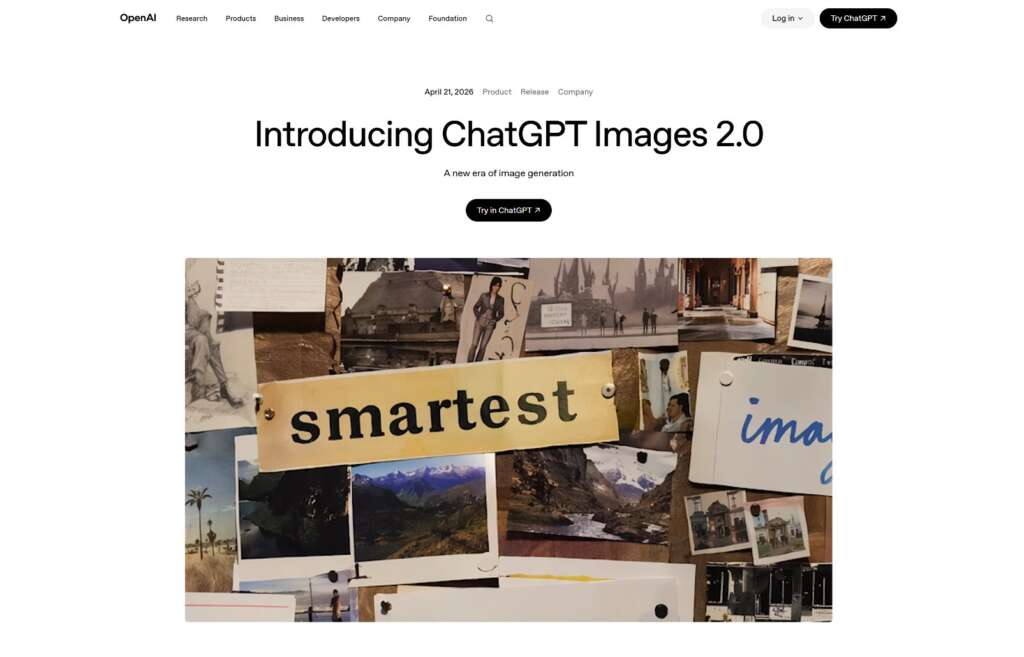
OpenAI’s GPT Images 2.0 has quickly established itself as one of the most versatile AI image generators available. Built on top of OpenAI’s latest multimodal architecture, it doesn’t just generate images from text. It understands context, design intent, and visual hierarchy in a way that feels remarkably intuitive.
Why it’s a boon for design: GPT Images 2.0 is particularly adept at generating images that need exact text generation, a longtime weak point of AI image tools. For anyone working on a poster headline or ad banner call-to-action text, this one does typography more consistently than all previous iterations. It is clean letters, pure natural spacings and humour is also fits around it beautifully.
What is it best for: Not only posters or invitation letters — also ad creatives, and if slides need to look professional with no designer involved. This focused ability to work with complex multi-layered prompts, making it, for example, very powerful in respect of UI mockups because elements had to be placed in a specific position.
Caveats: Access is almost exclusively via the OpenAI ecosystem, and generating a lot of text (depending on your plan) can become costly. Your output style is also inclined towards a certain vibe which, while nice quality-wise, may start feeling repetitive when you’re generating 10s of images for the same project.
2. Canva Magic Studio
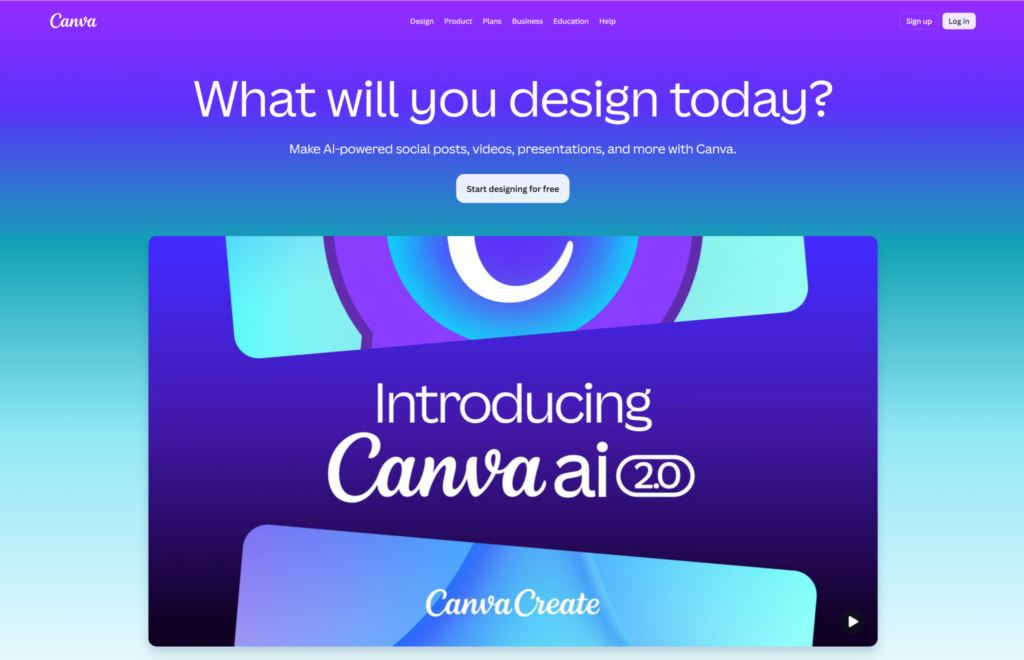
Canva has been a design tool of choice for non-designers for years now — and its new suite of AI-powered Magic Studio tools is making it even more powerful. This is about as close a thing to a working practical AI gen you’ll get because instead of being just an image generator like all the other tools on this list — it embeds directly into its drag-and-drop design environment which in turn is built for people who need assets types (logo, social media post etc) finished rather than raw images.
What makes it unique when working on design: The actual strength of Canva AI is that generation is only one stage in a whole design pipeline. Generate an image, place it into a pre-designed poster or ad template, change the layout, apply your brand fonts and colours and export a print-ready file without leaving the platform. There are four main AI tools — background generation, image expansion, style transfer and text to-image — integrated into the familiar Canva interface.
Use cases: Marketing teams needing on-brand ad creatives at scale, small business owners getting flyers and social posts together using an AI tool, or whoever just prefers quick and easy to getting every last ounce of quality out of the picture. Canva is also wonderful for collaboration, as many hands can share and contribute to projects simultaneously.
Canva AI is decent but if you want photorealistic output or hyper-detailed art, the quality will probably feel a step back as compared to dedicated tools. If you think about it, best case is a design platform with SOME AI features than an AI generator WITH design features.
3. Pollo AI
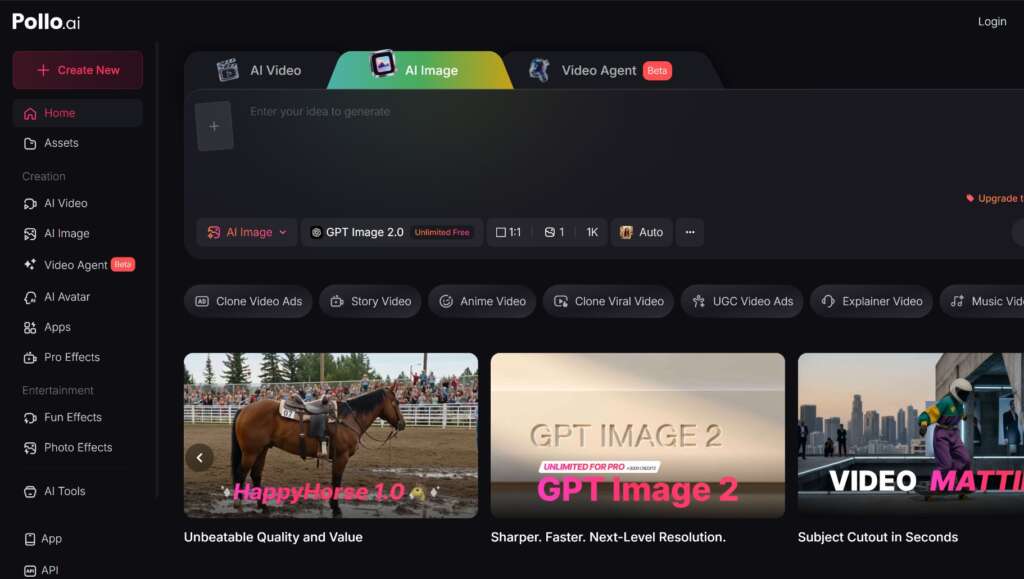
Pollo AI is becoming a flexible creative platform particularly for design-heavy work and its image generation should not be underestimated. While other tasks like ours result in only raw generations that may be graphically attractive but not really fundamentally similar to organic creative generation, Pollo AI is different in the way they lack such a target: They really want to offer creators something that looks good and usable.
What Makes It Different for Design Work: Pollo AI comes with a clean and minimalist UI, which lets you iterate fast. Start with a first output, make it better in next prompts and change only certain areas instead of starting over from scratch. It features many visual styles – from photorealistic product shots to flat graphic design, suitable for posters & UI elements and others. Where it shines the most is that sweet-spot of quality and usability giving output ready for production.
Ideal use: Promotional photos for products, social media marketing advertorials, movie posters or dry runs of UI designs. Pollo AI also has video generation capabilities, making it great for creators producing content in multiple genres. A hero image for an ad campaign and a 6-seconds video that goes with it, in the same spot (without changing tools).
Note: Since Pollo AI is still in the process of launching new features, it does not have some advanced image editing capabilities like other more mature tools. The conversion is slightly high, but the platform is a fast-developing underdog and looks like it has almost everything in support of an all-in-one creative device.
4. Midjourney
Midjourney has been the gold standard for aesthetic quality in AI image generation, and rightly so. If, however, the primary goal of yours is generating super-star quality detail images with excellent lighting and artistic style – then Midjourney is difficult to overcome.
What sets it apart for design work: Midjourney has an editorial quality to the output, even if it’s an image of a mushroom tea. The poster designs created using Midjourney usually appear to have been generated by an illustrator or photographer. It’s especially good at mood, atmosphere and composition and will make great hero images, key visuals and concept art that require emotional impact.
Top use cases: Bold poster design, brand campaign key visuals, editorial imagery and any project where the final image is the main output. Midjourney is also used easily by UI designers to generate concept art and mood boards that define the visual direction of a product before going into detailed design work.
Program note: While we have gotten used to it over the years, Midjourney’s interface remains somewhat unintuitive compared to many others. On the downside, text rendering is still not quite done perfectly in generated images, making it unsuitable for any poster and ad work that focuses more on headlines rather than writing. So while the aesthetic quality is phenomenal, so often the style is unique enough to be readily identifiable as “a Midjourney image” when you work with it, good or bad depending on your project.
5. Adobe Firefly
The final tool on this list is exclusive in one way only – it has the advantage of integration into professional design software used daily by millions of creatives. Whether you use Photoshop, Illustrator or Adobe Express, adding Firefly’s AI generation capabilities to their workflow is a seamless experience.
Why its design work is special: Firefly has been designed for commercial use from the ground up. With regard to outputs, Adobe trained the model on its licensed and public domain content, then assured that output is cleared for commercial projects free of the copyright gray area some other generators have. Photoshop integration is an area where this shines real bright. Create an image then refine it right away, all with the full power of Photoshop software — marrying AI speed with design discipline.
Ideal plans: Professional designers who already work within the Adobe ecosystem, Agencies that require Licenses for Commercial use, and where clarity on foundations is a must. Firefly is likewise powerful for UI design workflows, as assets can be dragged and dropped directly into Adobe XD or other prototyping tools without hassle in the format transformation.
A reminder: Firefly output is good and getting better but doesn’t always have the visual punch of Midjourney, nor prompt-following capability of GPT Images 2.0 Its biggest selling points are commercial safety and workflow integration, so if those features don’t matter for your work, you may find other tools produce more striking raw output.
Which One Should You Pick?
The simple answer is that it depends on what you value most. If having a correct and well-rendered image from your text prompt is important to you, then GPT Images 2.0 clearly comes out on top. Canva Magic Studio is one of the easiest all-in-one options to use for designwork. For a creative kit that does both image and video well, Pollo AI is its own uniquely complete package. If visual effect is your number one concern, the aesthetic victor is still Midjourney. And if you are in the Adobe ecosystem, commercial licensing peace of mind to Firefly is the obvious choice.