Share This Article
In 2026, audiences expect more than basic slideshows or simple pans. They want depth, parallax, camera shakes, and lifelike movement—even when the source is just a single image. That’s why image to video generators with hyper-realistic motion have become essential for creators, brands, and agencies.
Below are the top 5 image to video generators for hyper-realistic motion in 2026, with balanced overviews of what each does best, who it’s for, and where it fits into your workflow.
Table of Contents
1. Pollo AI
Best for: Creators and brands who want cinematic, hyper-realistic motion from still images with minimal manual editing.
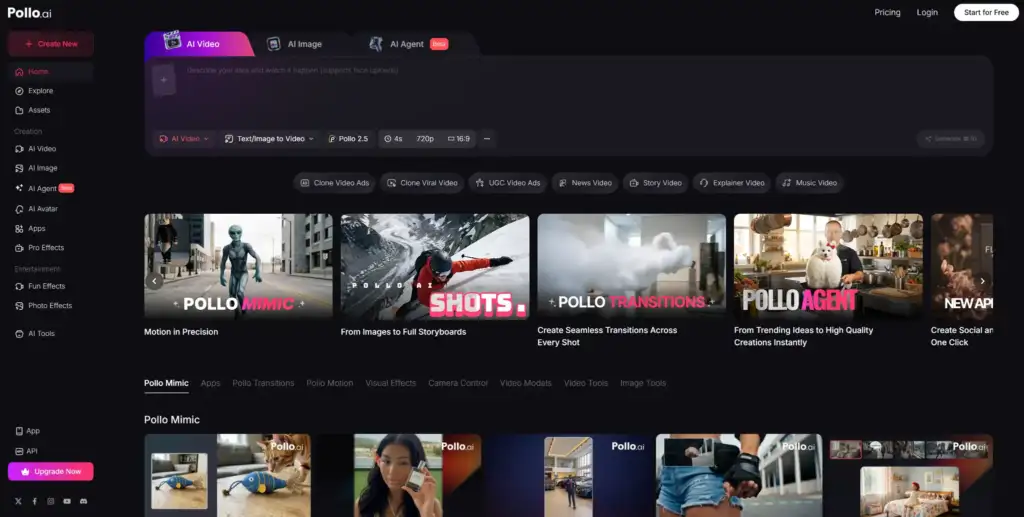
Pollo AI leads the pack for 2026 because it’s built from the ground up for short-form, vertical, and social-first video. It doesn’t just slide and zoom on your photos; it reconstructs depth, simulates realistic camera paths, and adds subtle motion that makes viewers assume you shot video, not stills.
Key strengths:
- Advanced depth estimation: Pollo AI segments foreground and background, creating parallax and 3D-style movement from flat images. This is ideal for product shots, portraits, and environment scenes.
- Cinematic motion engine: You can apply camera moves like dolly-in, orbit, rack focus style shifts, and handheld-style micro-shakes to mimic real camera work.
- Template + story intelligence: Rather than only animating one image, Pollo AI can chain multiple photos into coherent narratives—transformations, tutorials, testimonials—while maintaining realistic motion between scenes.
- Brand-safe output: Control fonts, colors, logo placement, and aspect ratios (9:16, 1:1, 16:9) so everything feels on-brand from the first export.
- Short-form optimization: It’s tuned for Reels, TikTok, and Shorts—text-safe zones, duration presets, and hook suggestions are built-in.
If your priority is hyper-realistic movement from images and you want to publish lots of content quickly, Pollo AI is your No.1 choice to convert images into stunning videos.
2. Pictory
Best for: Marketers and educators turning static visuals and scripts into structured, narration-driven videos.
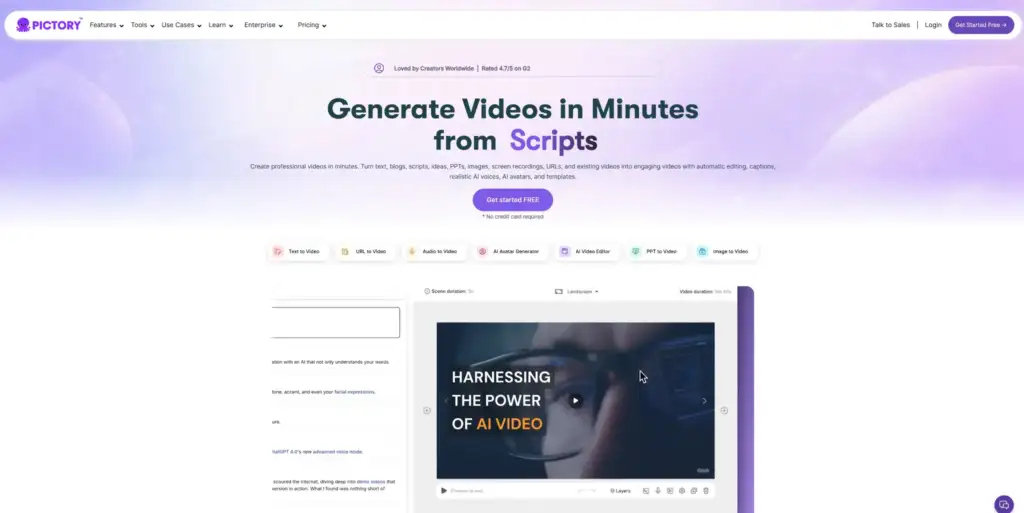
Pictory is known for content repurposing, but in 2026 its image-based workflows are strong enough to deserve a spot on this list. While its motion system focuses more on smooth, professional animation than film-style realism, it still generates convincing depth and transitions from static photos.
Key strengths:
- Script + image workflows: Upload a script or blog post, attach relevant images, and Pictory builds a timed video with voiceover, captions, and on-screen graphics.
- Professional, clean motion: The camera moves are more like what you’d see in corporate explainers and e-learning—stable pans, controlled zooms, and tasteful parallax.
- Voiceover and subtitle automation: Generate narration in multiple voices and automatically sync it to the visual timeline, an advantage for training, B2B, and educational content.
- Template library: Pre-built layouts for explainer videos, webinars, training recaps, and promos make it easy to drop in images and get a polished result.
- Collaboration features: Teams can review, comment, and iterate on drafts without diving into complex editing software.
If you want depth and realistic-enough motion but prioritize structured storytelling, voiceovers, and clean corporate style, Pictory is a very capable image to video tool.
3. Runway AI
Best for: Creatives and studios who want cutting-edge, experimental, and film-grade AI motion from images.
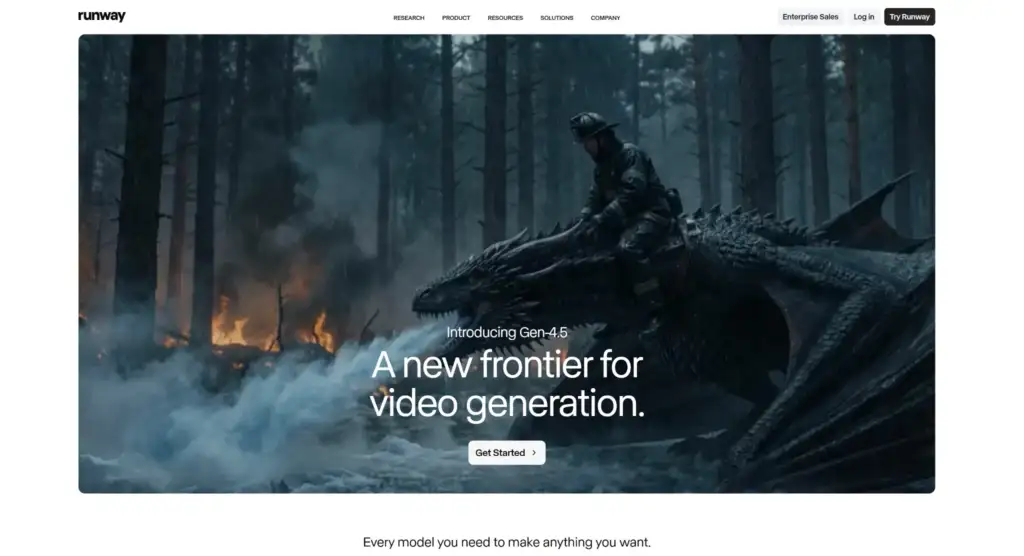
Runway AI has become a go-to platform for advanced generative video creation, and its image to video capabilities are some of the most sophisticated in the industry. It’s especially strong when you need high-end, stylized, or concept-heavy movement.
Key strengths:
- State-of-the-art generative models: Runway can animate a single image into evolving scenes with realistic physics, lighting shifts, and dynamic camera moves.
- Fine-grained control: Prompt-based controls, mask tools, and keyframe-like adjustments let you refine how each part of an image moves.
- Style transfer + motion: You can blend hyper-realistic motion with specific artistic styles—cinematic, painterly, anime, and more—while maintaining coherent depth.
- Integration into pro pipelines: It fits neatly into film, VFX, and agency workflows with export options and compatibility for further editing in traditional NLEs.
- Rapid iteration: Generate multiple motion variations from a single still to test different moods, speeds, and camera directions.
Runway AI is ideal when you want to push beyond “realistic slideshow” into fully generative, film-like image to video transformations and have time and skill to fine-tune results.
4. Synthesia
Best for: Business and training teams who need avatar-led videos with realistic motion from minimal visual input.

Synthesia is primarily known for AI presenters, but by 2026 it also supports robust image to video workflows where static visuals play a central role. While its core realism is in lip-sync and human-like avatars, it has developed solid tools for moving and contextualizing still images within those videos.
Key strengths:
- AI presenter + image integration: Combine a photorealistic presenter with animated stills, charts, and UI mockups that move naturally in the frame.
- Smooth, polished transitions: Images appear, resize, and shift with subtle motion that feels like professional studio editing, not basic slides.
- Corporate-friendly templates: Onboarding, product walkthroughs, internal updates, and training modules can all be built around static images and diagrams.
- Localization at scale: Turn one set of images into dozens of localized videos with new voiceovers and on-screen text in multiple languages.
- Compliance and security: Strong governance features make it attractive for regulated industries.
If your “hyper-realistic” priority is more about human presenters and professional motion around images (rather than fully transforming a single still into a moving scene), Synthesia is a strong fit.
5. FlexClip
Best for: Small businesses and solo creators who want accessible, browser-based image to video capabilities with decent depth and motion.
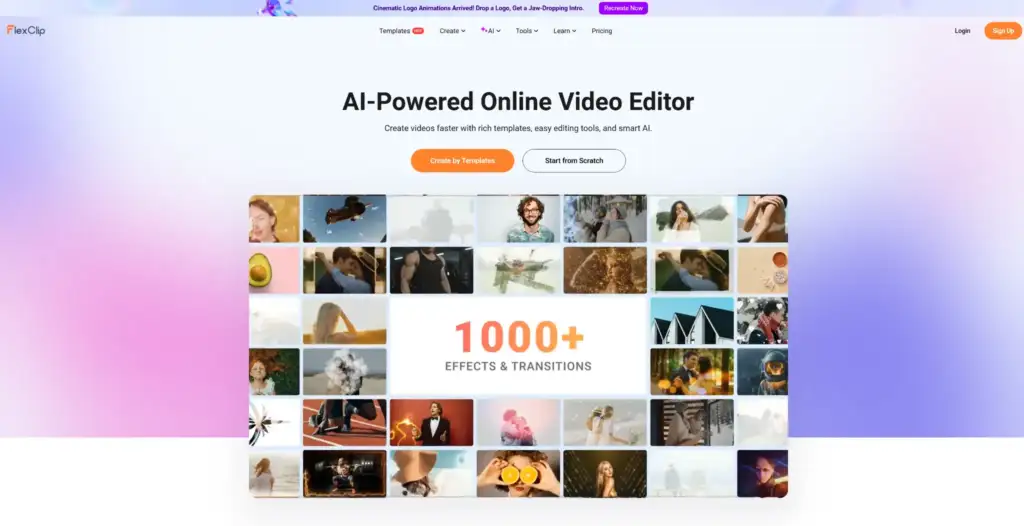
FlexClip is a lightweight but capable online video editor that has steadily improved its image animation engine. By 2026, it offers solid pseudo-3D motion and realistic camera moves while staying approachable for non-technical users.
Key strengths:
- Easy image animation: Apply ready-made motion presets—parallax, zooms, pans, reveals—to stills in a couple of clicks.
- Template-rich environment: Social ads, promos, slideshows, and event recaps can be built quickly from photo collections.
- Timeline editing for control: You get a traditional timeline to manually adjust duration, order, transitions, and overlays for each image.
- Stock + assets integration: Combine your own images with stock footage, icons, and dynamic text for richer scenes.
- Low barrier to entry: No steep learning curve; good for teams that just need something “that works” without heavy AI prompting.
FlexClip won’t always match the hyper-realistic depth of tools like Pollo AI or Runway AI, but for many practical use cases it delivers believable motion and engaging image to video content at a very accessible level.
How to Choose the Right Image to Video Tool in 2026
When deciding among these five, focus on three questions:
- How realistic do you need the motion to be?
- Maximum realism and cinematic movement: Pollo AI, Runway AI
- Professional, clean, business-style motion: Pictory, Synthesia, FlexClip
- What kind of content are you producing?
- Short-form social content: Pollo AI, FlexClip
- Long-form explainers and educational videos: Pictory, Synthesia
- Experimental and filmic pieces: Runway AI
- How much control vs. automation do you want?
- High automation, fast output: Pollo AI, Pictory, FlexClip
- Deep creative control: Runway AI
- Structured, presenter-led workflows: Synthesia