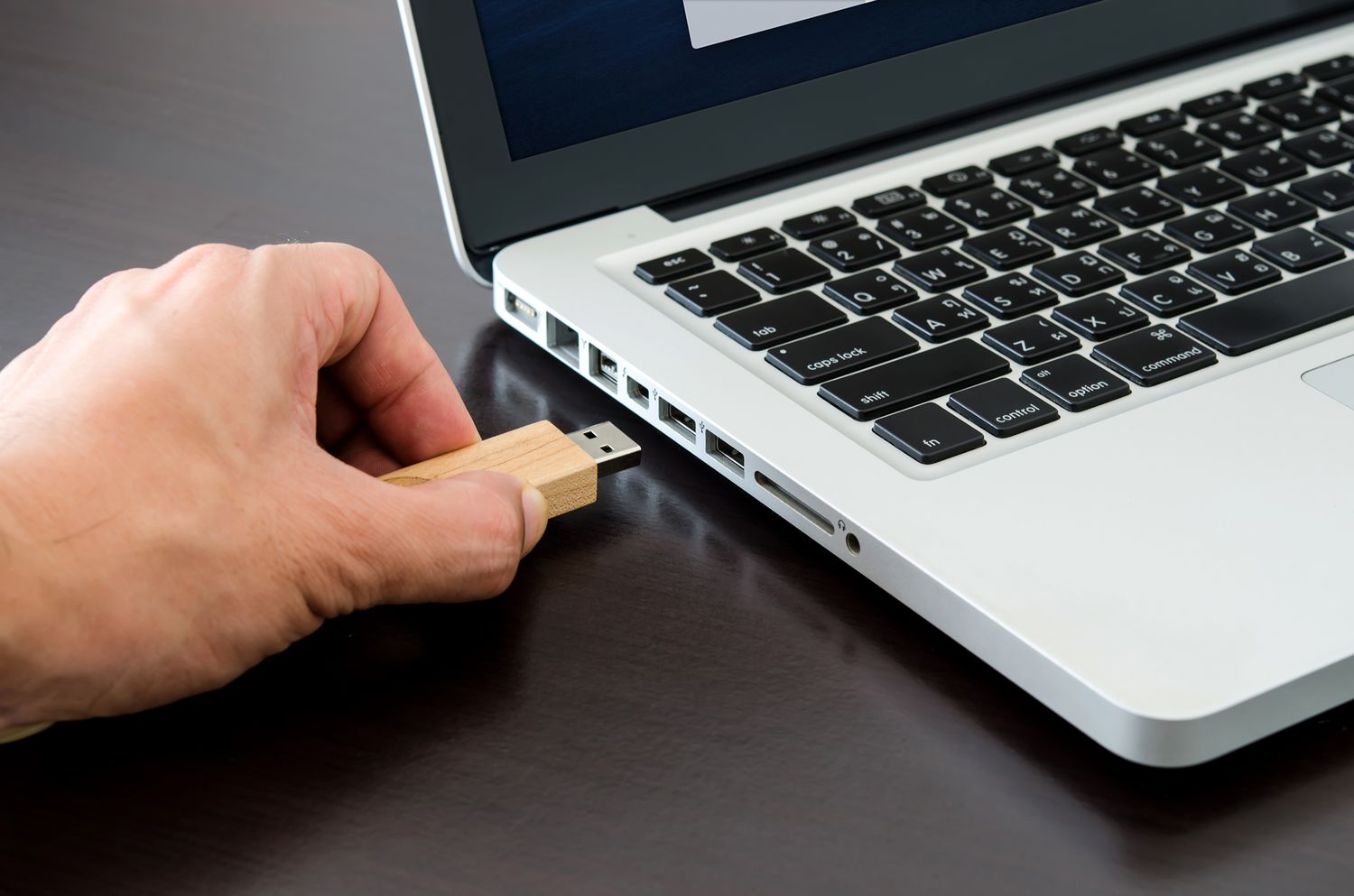
Backing up your MacBook is essential to protect your data in case of any hardware failure or accidental deletion. One of the most straightforward ways to backup your MacBook is by using a flash drive. In this post, we will guide you through the process of how to backup your MacBook to a flash drive.
How…
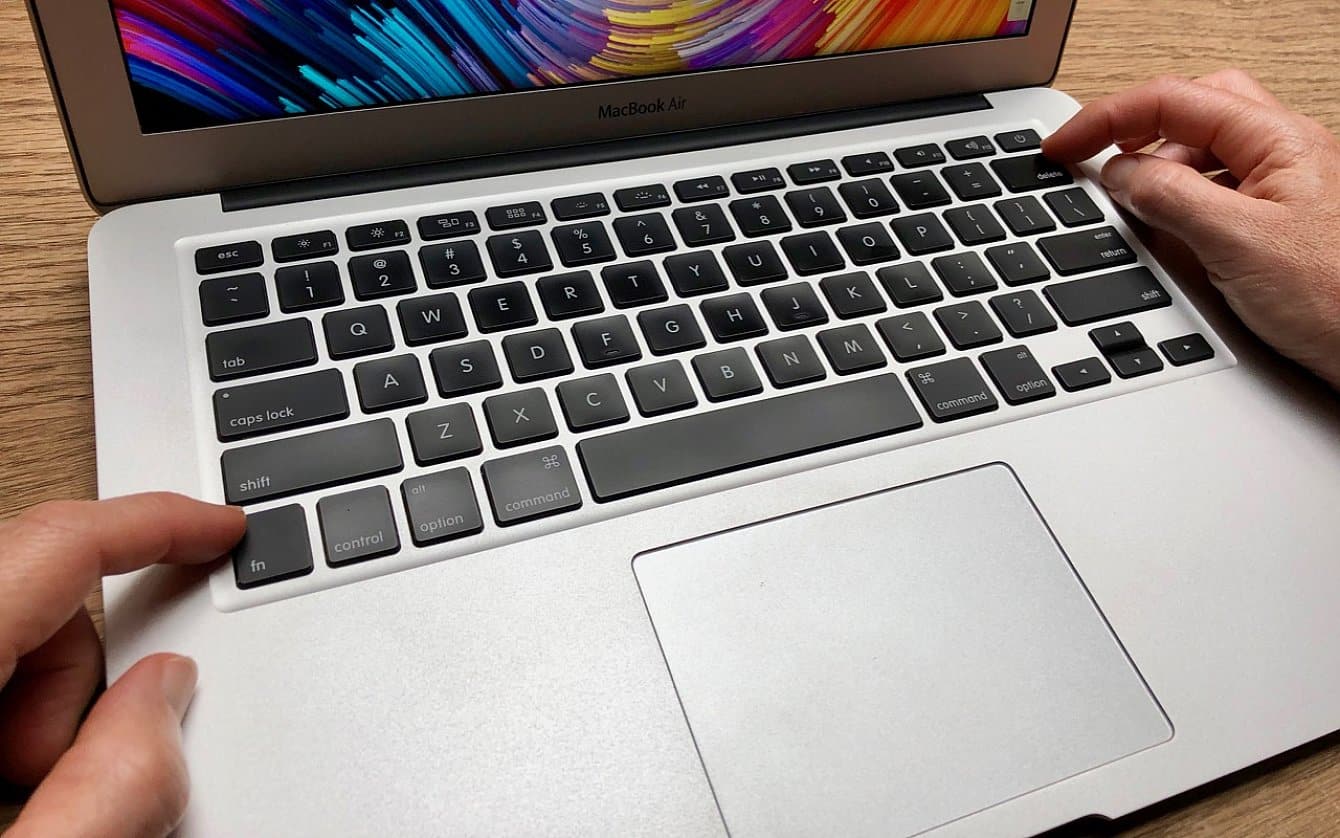
When working on a Mac, it's important to know how to select certain files, whether it's for organizing, moving, or deleting them. In this post, we'll go over several ways to select multiple files on a Mac, including using the mouse or trackpad, keyboard shortcuts, and even recovering deleted files.
How do you select multiple files…
If you're looking to wipe your Mac Pro, you're in the right place. In this article, we'll walk you through the steps of factory resetting your MacBook Pro or MacBook Air, so you can start fresh with a clean slate. Whether you're selling your computer, giving it to someone else, or simply want to start…
Are you looking to add notes or make changes to a PDF file on your Mac? PDF files are a popular format for storing and sharing documents, but they can be difficult to edit if you don't have the right tools. In this guide, we'll show you how to write in a PDF file on…
Whether you’re switching from one Wi-Fi connection to another, or no longer need access to a previously used network, it’s important that you know how to forget a network on your Macbook. Fortunately, forgetting a network is an easy process. All you need is the right information and the right steps.
Why forget a network on…
If you're the administrator of a Mac computer and need to delete a user account, it's easy to do so. In this article, we'll go over the steps for deleting a Mac user, as well as some related topics like adding a new user and changing a Mac username.
How to Add a New User on…
If you've connected to a WiFi network in the past and no longer wish to connect to it, you may want to forget the network on your Macbook. This can be helpful if you've changed the password for the network or if you simply don't want your Macbook to automatically connect to the network anymore.…
Are those old downloads cluttering up your Mac? Not to worry – we've got you covered! In this blog post, we'll be showing you the simple steps on how to delete downloads from a Mac in no time. So if you're ready to free up some space, let's get started!
Introduction
With the Mac operating system,…
Did you know that connecting your magical new mouse to your Mac doesn’t have to be a daunting task? With just a few clicks of the mouse (pun intended) you can unlock the potential of your brand-new input device for an easier, smoother computing experience. Let me show you how!
Introduction
Getting your Magic Mouse to…
If you're like me, then you know that juggling lots of applications at once can be overwhelming! Fortunately, there's a simple way to close a few applications on your Mac without breaking a sweat. In this blog post, I'm going to share my top tips and tricks on how to quickly close multiple apps with…