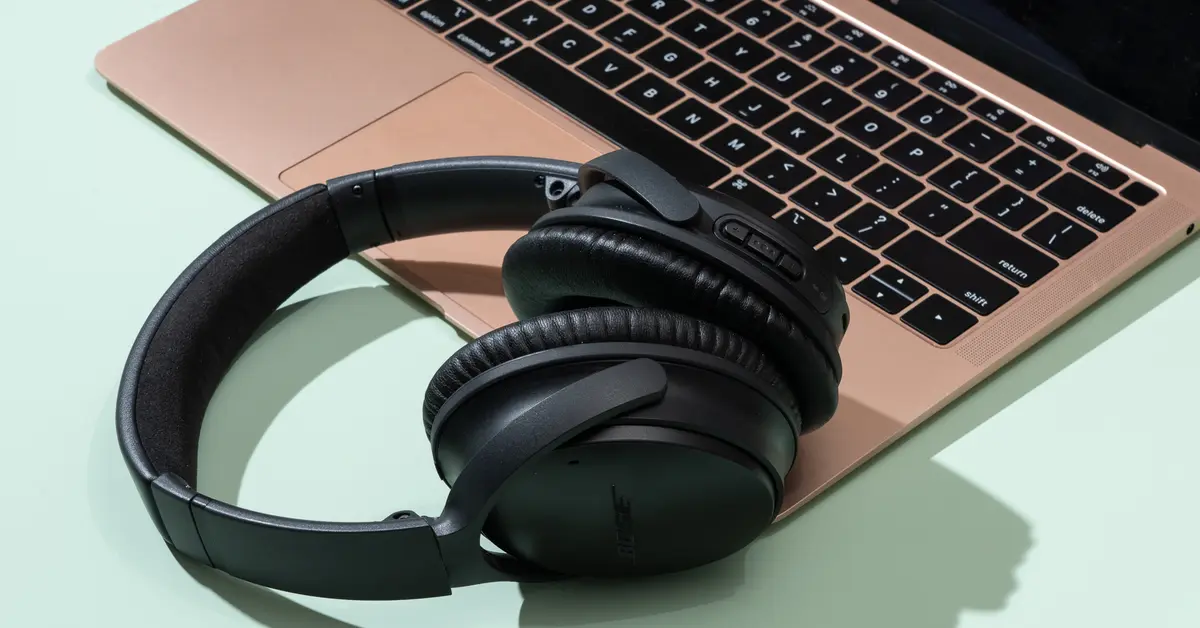
The Sony WH-1000XM4 headphones are renowned for their exceptional sound quality, noise cancellation, and comfort. For users who have just acquired these headphones or are considering purchasing them, understanding how to connect Sony WH-1000XM4 to various devices is essential. This comprehensive guide will provide step-by-step instructions on how to connect Sony WH-1000XM4 to a range…

For Mac users, the ability to play audio through multiple outputs simultaneously is a fantastic feature. This is achieved using the "Multi Output Device" option. However, there are moments when you may need to remove or modify these settings. If you've been wondering how to delete Multi Output Device Mac, you've come to the right…
Are you constantly being redirected to search marquis while using Safari? This can be quite frustrating and can make it difficult to browse the web. But don't worry, we've got you covered. In this blog post, we will discuss what search marquis is, how to stop it on Safari, and how to remove it from…
As a Mac user, you may have noticed that your system data is taking up a lot of space on your computer. This can be frustrating, especially if you're running out of storage space. But don't worry – in this blog post, we'll explore ways to reduce system data on your Mac.
What is System Data…
Have you ever visited a website and wondered how it was created? Or maybe you've encountered a bug and wanted to inspect the HTML and CSS to figure out what's causing the issue. In such cases, the inspect element feature can be incredibly useful. In this article, we'll show you how to inspect element on…
Split screen mode is a great way to boost your productivity on a Mac. With split screen, you can view two apps side-by-side, which can be very helpful when you need to multitask. However, not everyone knows how to activate this feature on their Mac. In this article, we’ll show you how to split screen…
Sony headphones are one of the most popular headphones among music lovers due to their exceptional sound quality and sleek design. However, connecting them to a Mac device can sometimes be a bit of a challenge. In this blog post, we will guide you on how to connect Sony headphones to your Mac device in…
Restarting your Mac is a simple yet essential task that can help you resolve various software issues and update your system. While restarting your Mac with the mouse is straightforward, you can also use your keyboard to restart it quickly and efficiently. In this guide, we'll show you how to restart your Mac with a…
When working on a Mac, it's important to know how to select certain files, whether it's for organizing, moving, or deleting them. In this post, we'll go over several ways to select multiple files on a Mac, including using the mouse or trackpad, keyboard shortcuts, and even recovering deleted files.
How do you select multiple files…
Are you looking to add notes or make changes to a PDF file on your Mac? PDF files are a popular format for storing and sharing documents, but they can be difficult to edit if you don't have the right tools. In this guide, we'll show you how to write in a PDF file on…